
Stop the dispenser or incoming flow before clearing the pool. Use the Flame Altar’s Remove water action for emergency clearing; do not extinguish the altar. Then restart one source and watch where water returns. This is a containment procedure, not a verified universal fix for 1.0 leaks.[1][2]
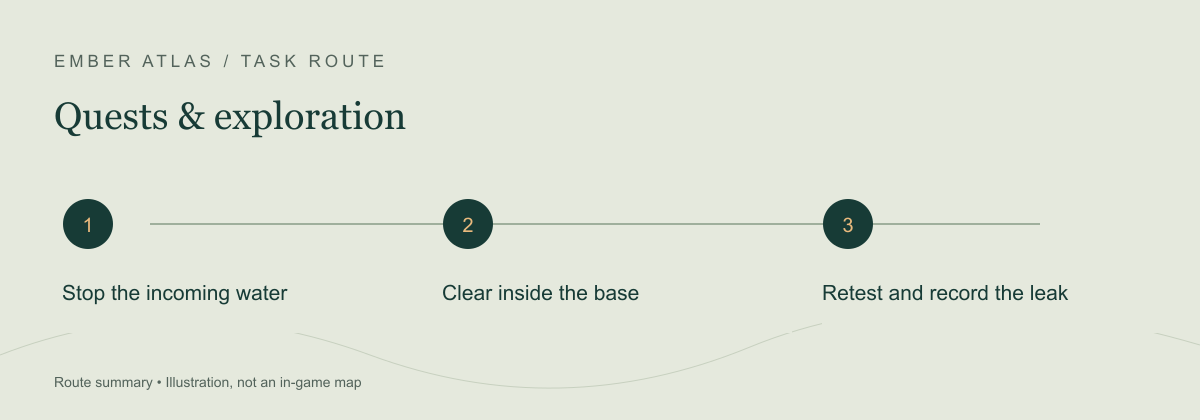
Stop the repeat flood before clearing it
- Preserve a save backup before redesigning the water feature. On a shared server, have the host stop the server before copying its save; do not treat emergency clearing as a substitute for a backup.
- Switch off the dispenser feeding the feature, or close the opening admitting water. Keen’s November 2025 patch added on/off controls for dispensers and newly placed drains.[1]
- Interact with the base Flame Altar and choose Remove water. Check the server-permission indicator if the action is unavailable. This removes accumulated water within the base; extinguishing the altar removes a different protection.[1][2]
- Leave the input stopped while you inspect the route. If water immediately reappears, look for another input or an open connection to an outside pool before increasing the drain count.
The controls above are documented in the earlier water system and retained in the cited recovery guide. They were not independently tested on this site’s own 1.0 save. Keep the version limitation in mind if the menu or behavior differs.
Use the returning water to choose the next check
| What happens | Useful next check |
|---|---|
| Water clears, then returns when one source starts | Follow that source’s flow through the basin, opening and drains. Change one part and repeat the same small test. |
| A drain exists but a separated pool remains | Check whether water can reach the drain. The recovery reference describes contact drainage, not an unlimited whole-base radius. |
| A specific feature overflows after an update | Compare source count, dispenser height and overflow space. Older official notes warn that simulation changes can make an old balance overflow. |
| The game crashes instead of merely flooding | Check the current build and report the crash separately. A patch fixing simulation crashes does not prove that every leak was fixed. |
One October 1.0 discussion describes repeated floods in a previously working base. In that thread, a player reports improvement after adding a drain and raising the brim by one block. That is one reported layout adjustment, not a guarantee or a required dimension for all pools.[3]
Hotfix 1.0.0.2, internal version 1269579, lists rare water-simulation crash fixes. It does not announce a complete fix for the recurring-flood symptom described here.[4]
Make a recurring failure reproducible
If a small restart test still floods, record the game build, platform, host/server type, source and drain locations, and what happened before and after the change. Note whether approaching the source changes the flow. A short recording of that sequence is more useful than an unexplained screenshot of the final pool.
Use Keen Games support — report the water issue ↗ (external site, opens in a new tab) for a game report. For server backup and access checks, see the server backup procedure.
Sources & verification
- Keen Games: Patch 11, v0.9.0.2 ↗ (external site, opens in a new tab) — 25 November 2025; source controls, overflow after simulation changes, altar water removal and permission indicator. Earlier version.
- Enshrouded Guide: flood recovery ↗ (external site, opens in a new tab) — Explicitly Update 8 / 0.9.1.2; ordered containment and local drain behavior, not a new 1.0 test.
- r/Enshrouded: water after 1.0 ↗ (external site, opens in a new tab) — October 2026 public report and one drain/brim adjustment report. OP and comments are one discussion, not independent demand counts.
- Keen Games: Hotfix 1.0.0.2 ↗ (external site, opens in a new tab) — 16 October 2026; simulation crash fixes, no blanket leak-fix claim.