
If the world-selection Edit button does nothing, first check for the 1.0.0.2 hotfix, version 1269579. Keen says it fixed the world-settings configuration bug introduced by the previous hotfix; building permissions and dedicated-server presets are separate checks.[1]
Match the symptom before trying a workaround
| What fails | First check |
|---|---|
| Edit button in the world-selection menu is unresponsive | Check the installed update against 1.0.0.2 / 1269579, then retry that exact menu action. |
| You can join, but cannot build, change terrain or extend a base | Check the group/password and permission attached to the failed action with the host. |
| Dedicated-server custom values appear ignored | Keen’s server settings documentation says individual values require the Custom preset. |
| A custom configuration prevents startup | Read the reported invalid value in the server console; preserve the existing configuration before changing it. |
These distinctions prevent a menu workaround from being applied to an unrelated permission or configuration problem.[1][3]
Keep the launch workaround in its original window
On 15 October, separate players reported the Edit-menu failure. Replies suggested subscribing to an Adventure Sharing world before returning to Edit; some participants reported that this worked. These reports describe the launch-period bug, not a verified requirement for current builds.[2]
The next day’s official hotfix explicitly says the configuration issue was fixed. Update first rather than treating an old subscription workaround as the permanent setup procedure. If an updated copy still fails, record that as a current reproduction instead of assuming the historical fix must work.[1]
Make the remaining failure specific
- Record platform, game version, and whether the world is new, migrated or hosted on a dedicated server.
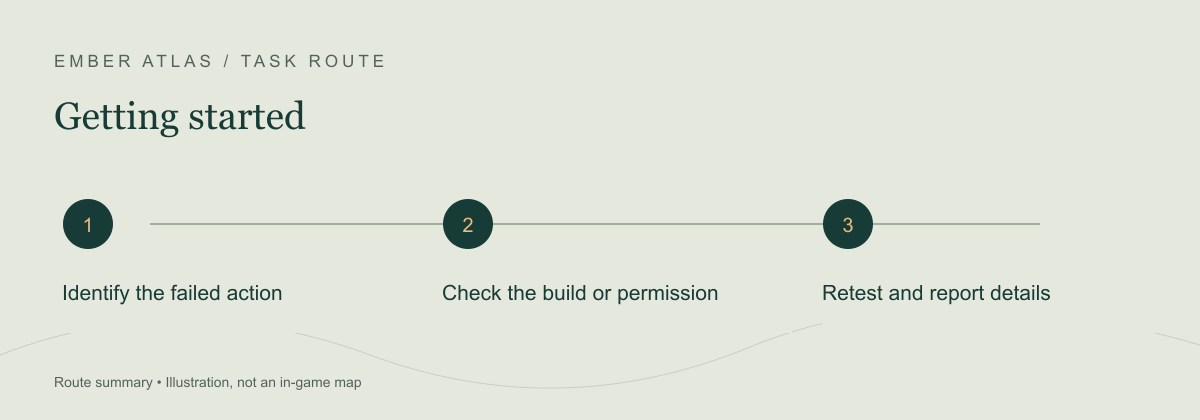
- Name the exact failed action: clicking Edit, placing a structure, modifying terrain, extending a base or changing a server value.
- For a dedicated server, record the selected preset and permission group without sharing passwords.
- Repeat the same action after the appropriate version/permission check. If it still fails, send the symptom and reproduction steps to support.
Use Keen Games support ↗ (external site, opens in a new tab) for a reproducible current issue. Keep a backup before any configuration or save investigation. The hotfix does not establish that every problem described as “can’t edit” has the same cause.[1]
Sources & verification
- Keen Games: Hotfix 1.0.0.2 ↗ (external site, opens in a new tab) — 16 October 2026, version 1269579; official world-settings fix.
- r/Enshrouded: Can’t edit worlds in 1.0? ↗ (external site, opens in a new tab) — 15 October 2026 indexed date; historical workaround and mixed participant reports. No claimed current reproduction.
- Keen Games support: Server Gameplay Settings ↗ (external site, opens in a new tab) — Official Custom-preset rule and invalid-value behavior; updated 10 November 2025. Old default-value examples are not copied.